How It Works
Make Your QR Code in 3 Easy Steps
Takes 10 seconds. Seriously easier than picking bridesmaid dresses.
Set Up Your Link
Create a Google photo album, Spotify playlist, digital guest book, or wedding website. Copy the shareable link.
Generate QR Code
Paste your link, choose your colors, select style options (rounded corners, transparent background, border), and download.
Print & Display
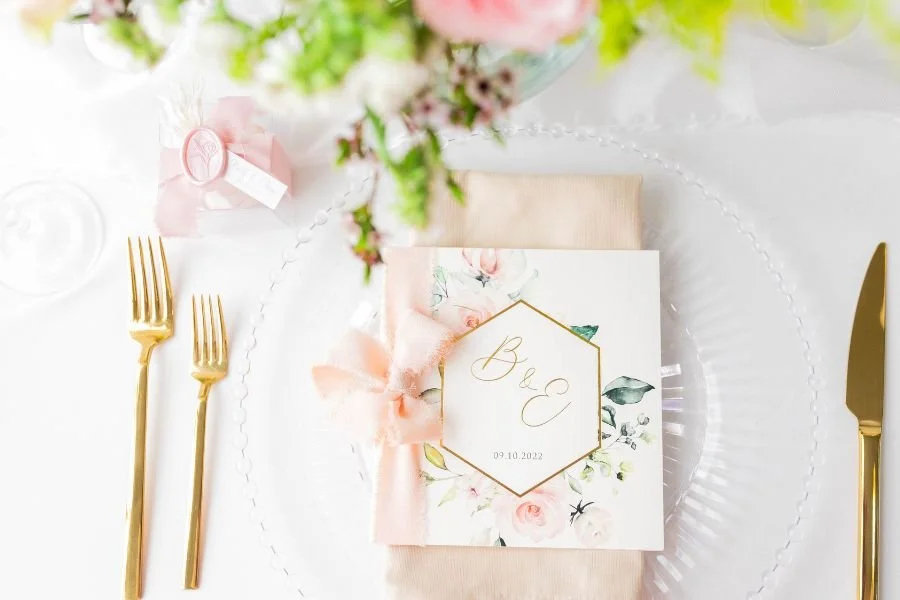
Add to table cards, welcome signs, invitations, or programs. Guests scan with their phone camera—no app needed!
Popular Ways Couples Use QR Codes
-
![Photo Sharing QR]()
Photo Sharing
Guests upload photos to shared album
-
![Guest Book QR]()
Guest Book
Collect video messages & wishes
-
![Spotify Playlist QR]()
Spotify Playlist
Curated wedding reception songs
-
![Digital Program QR]()
Digital Program
Ceremony timeline & details
-
![Wedding Website QR]()
Wedding Website
All your wedding info in one place
-
![Livestream QR]()
Livestream
Remote guests can watch ceremony

Create Your Wedding QR
❤
Forever Free
❤
Create Your Wedding QR ❤ Forever Free ❤
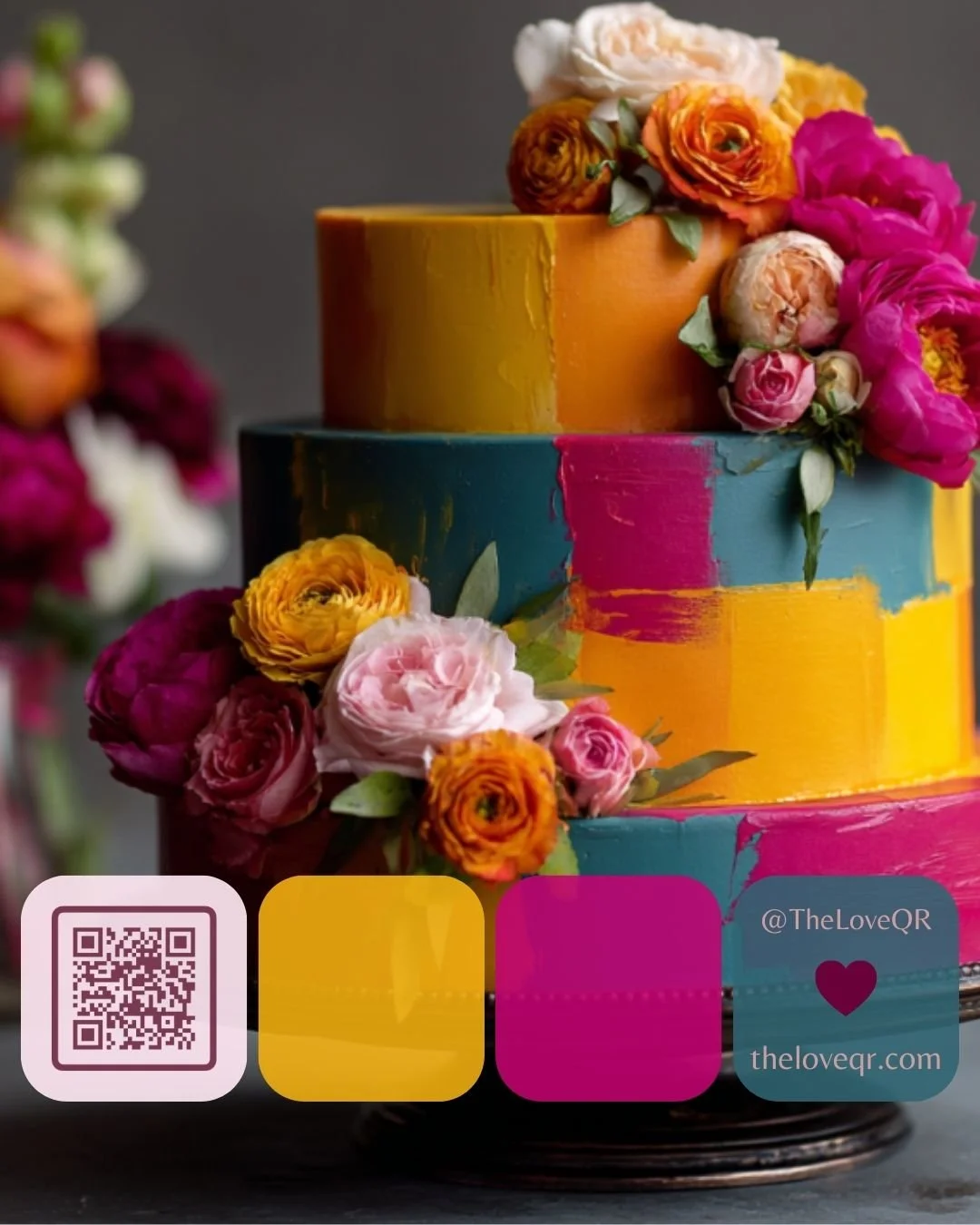
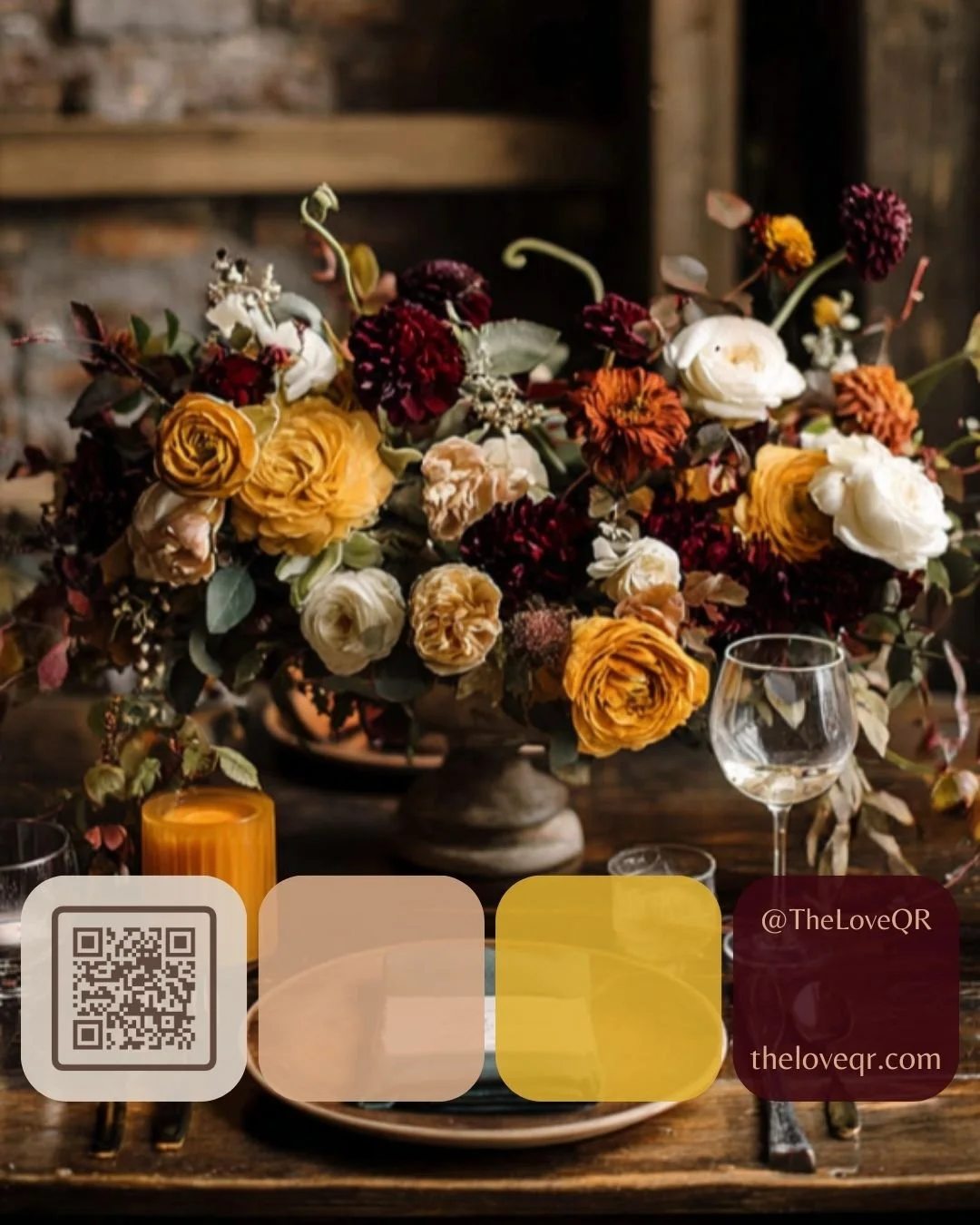
Steal These Color Combos
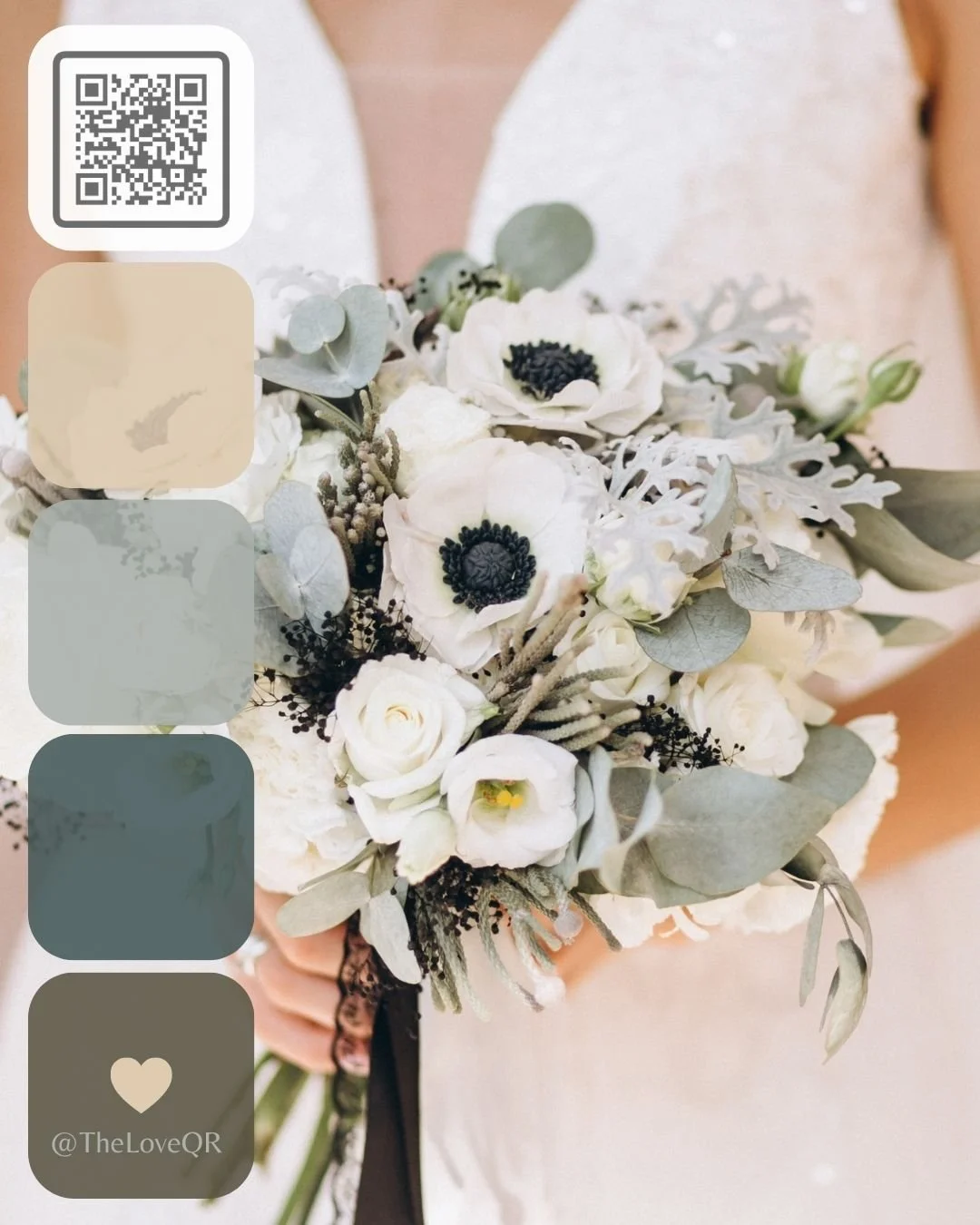
Match your QR code to your wedding vibe. Not sure what colors to use? Here are some popular real wedding palette combos:

Ready to Create Yours?
Generate your free custom QR code in 10 seconds